x2go latmos documentation
What is x2go
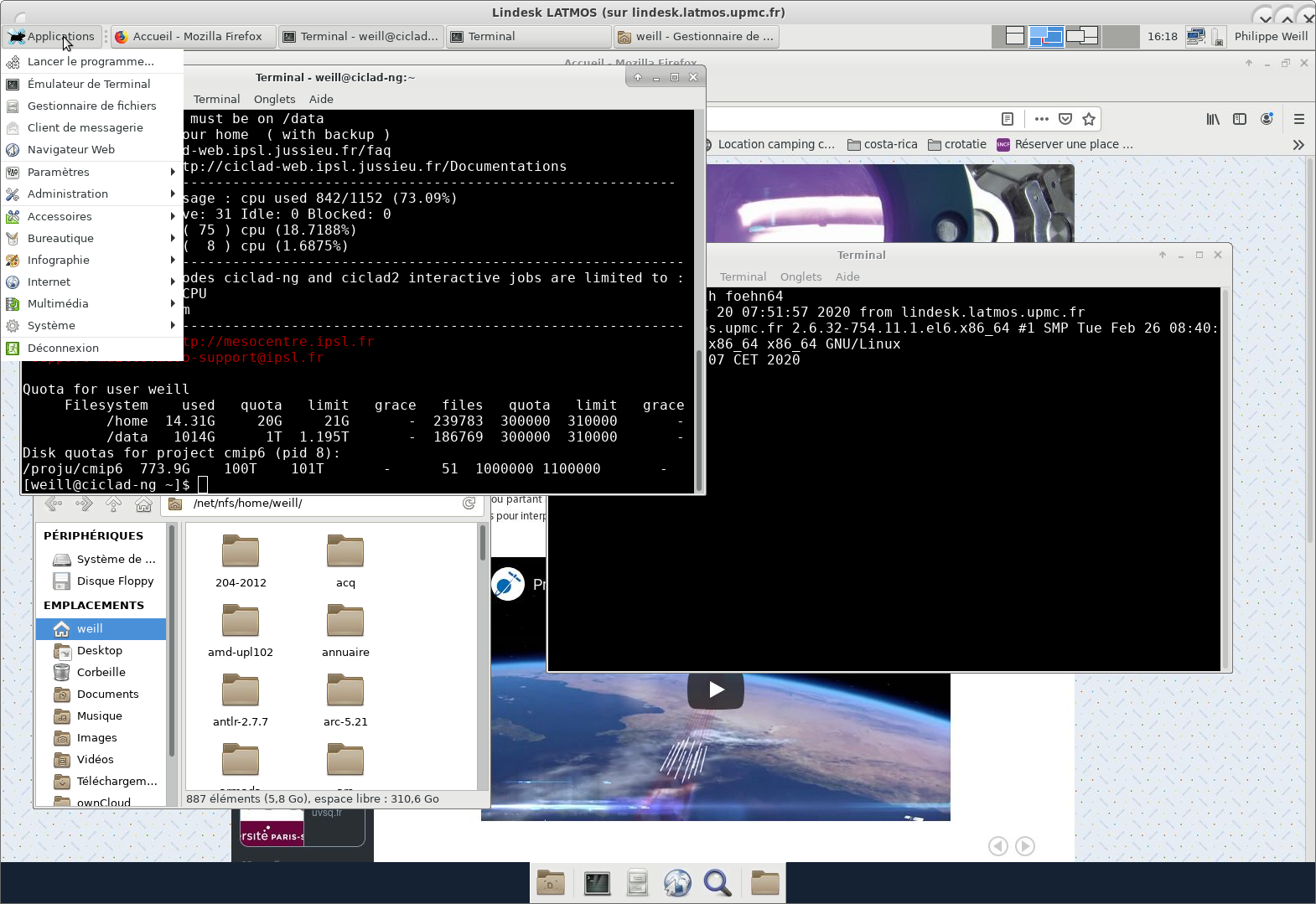
x2go Client give you access to a distant linux desktop with X11 support
It's like Remote Desktop in windows or vnc and it's working over it's own ssh integration
the session could be leaved and resumed later even from other location and other computer
installing client software on your computer
- Windows x2goclient : https://code.x2go.org/releases/binary-win32/x2goclient/releases/4.1.2.2-2020.02.13/x2goclient-4.1.2.2-2020.02.13-setup.exe
- Mac x2goclient MacOS >=10.13 : https://code.x2go.org/releases/X2GoClient_latest_macosx_10_13.dmg
- Linux x2goclient centos7 :
[user@localhost ~]$ sudo yum install x2goclient
configuring your x2go client
your VPN access on LATMOS or IPSL must be operationnal to use x2go on our session server
launch x2go client configure a new session
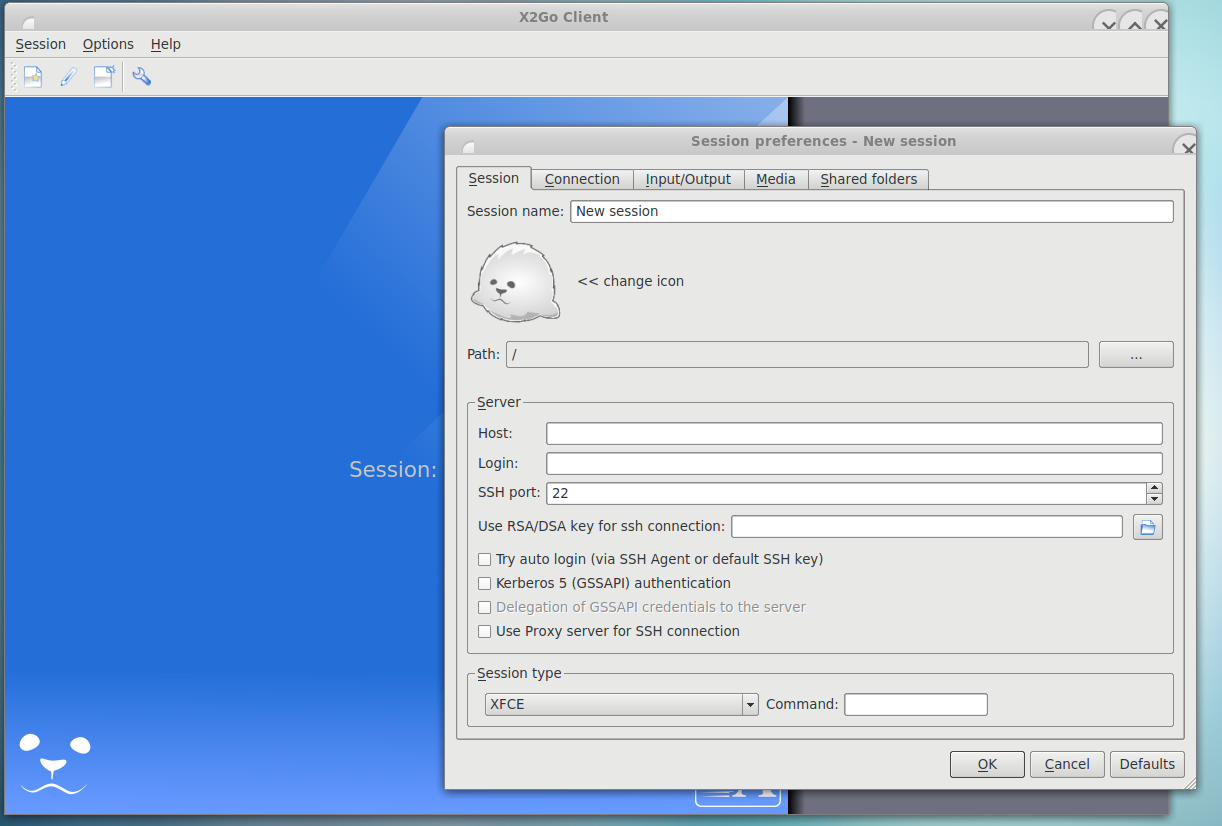
- session name: Lindesk LATMOS
- Server name : lindesk.latmos.upmc.fr
- Login : your latmos username ( it's not your mail )
- activate option try to autologin via ssh agent
- Session type : xfce
Starting your first session
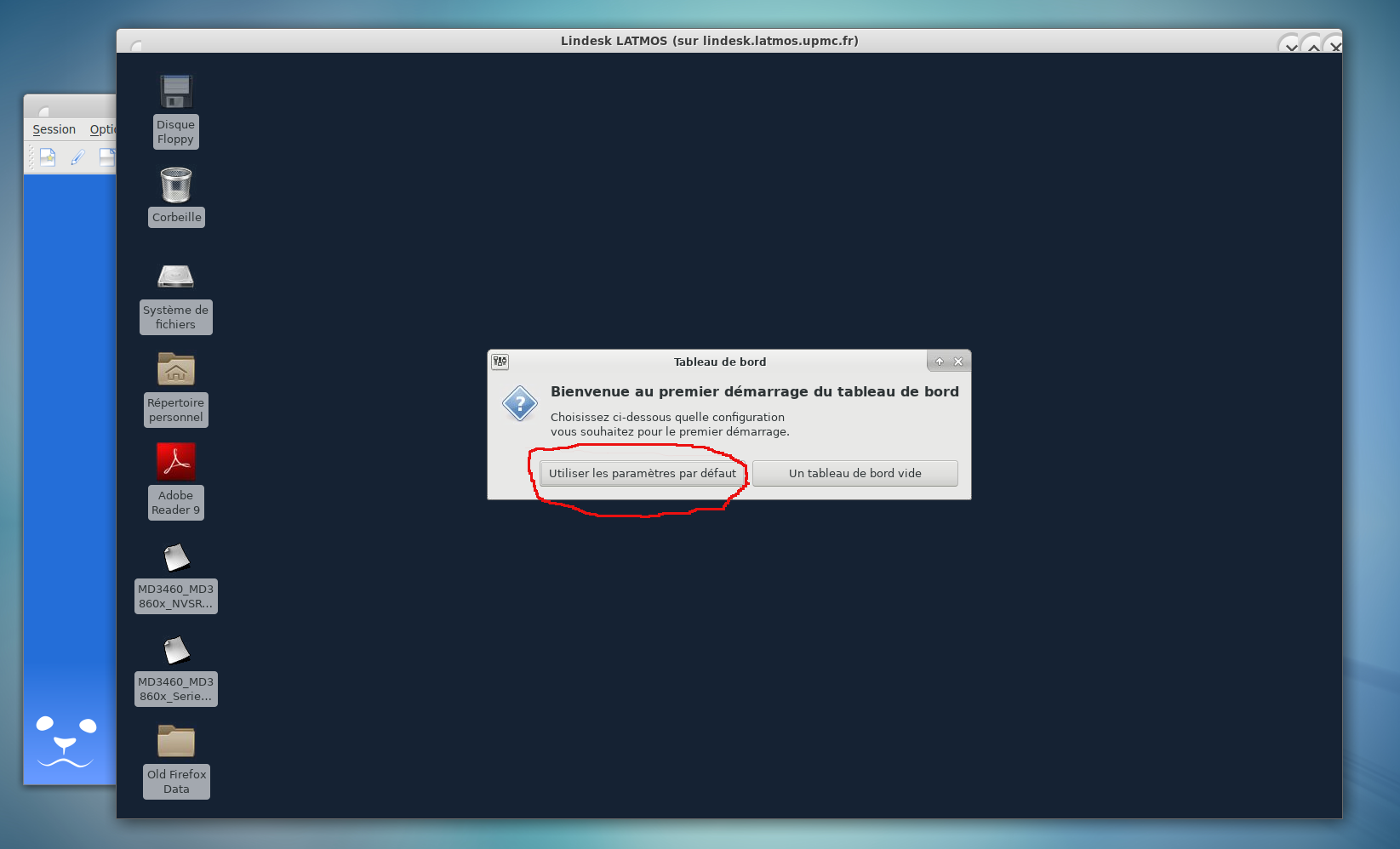
sample of started session