FoxyProxy
FoxyProxy is a Chrome et Firfox plugin that helps you to forward HTTP connection from a computer to another.
-
In Firefox or Chrome, install the FoxyProxy extension (here for Firefox and here for Chrome)
Warning
We show here an example on Firefox for the Jean Zay Jupyter Lab/Notebook, but it is the same principle for Chrome. For other place of connection, change the parameters with those indicating in the following tables.
-
Click on the extension's icon then
Options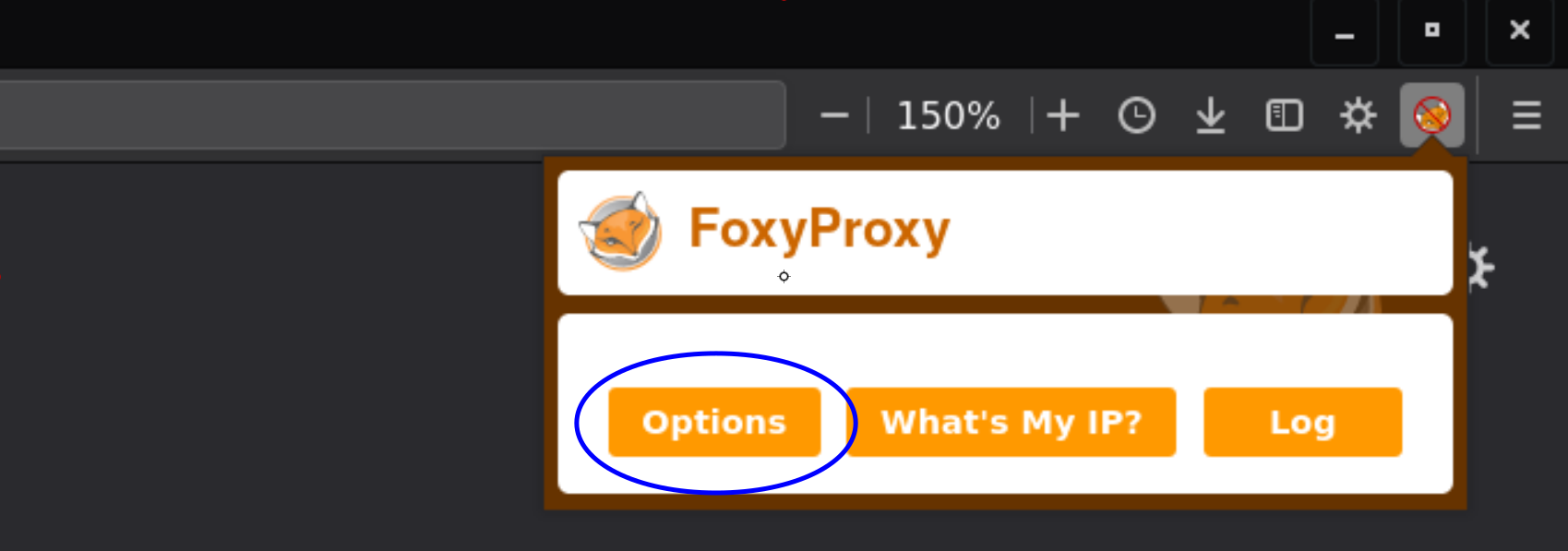
-
Click on
Add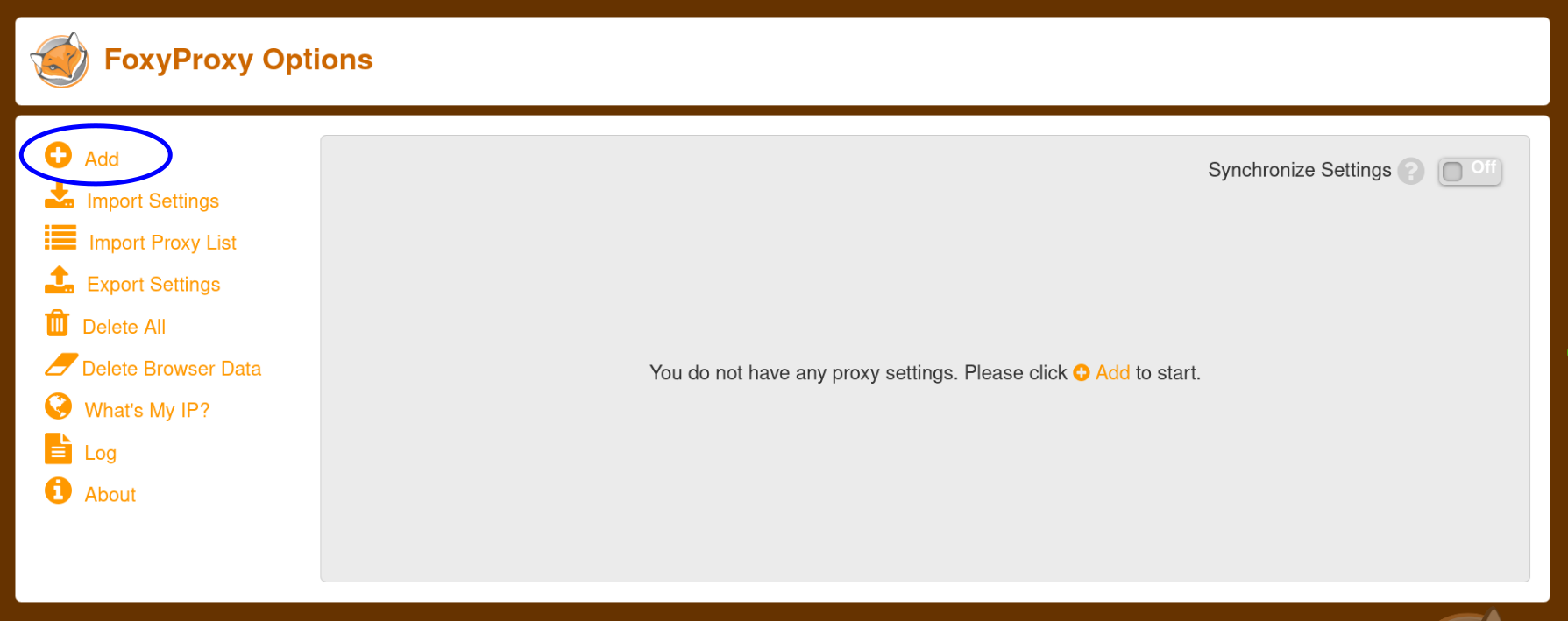
-
Define, depending on where you want to connect:
Title or Description Proxy Type Proxy IP address or DNS name Port spirit/spiritx jupyterhub espri/IPSL SOCKS5 localhost 1080 Jean Zay Jupyter Lab/Notebook jean zay SOCKS5 localhost 9999 Warning
You can use the port number you want between 1024 and 65535 (both included), as long as you keep the same number in the potential following commands (e.g. create a SOCKS proxy server with SSH).
-
Define in the
White Patternssection, depending on where you want to connect:Name Pattern Type HTTP/s Enabled spirit/spiritx jupyterhub jupyter IPSL (http(s)?:\/\/)?.*\.ipsl\.fr\/.*Reg Exp all On Jean Zay Jupyter Lab/Notebook jupyter jean-zay jupyterhub\.idris\.frWildcard https On Info
Configuring these white patterns will allow the use of this proxy only for URLs matching the given pattern (see more information here).
-
Click on
SaveExample for spirit/spiritx jupyterhub:
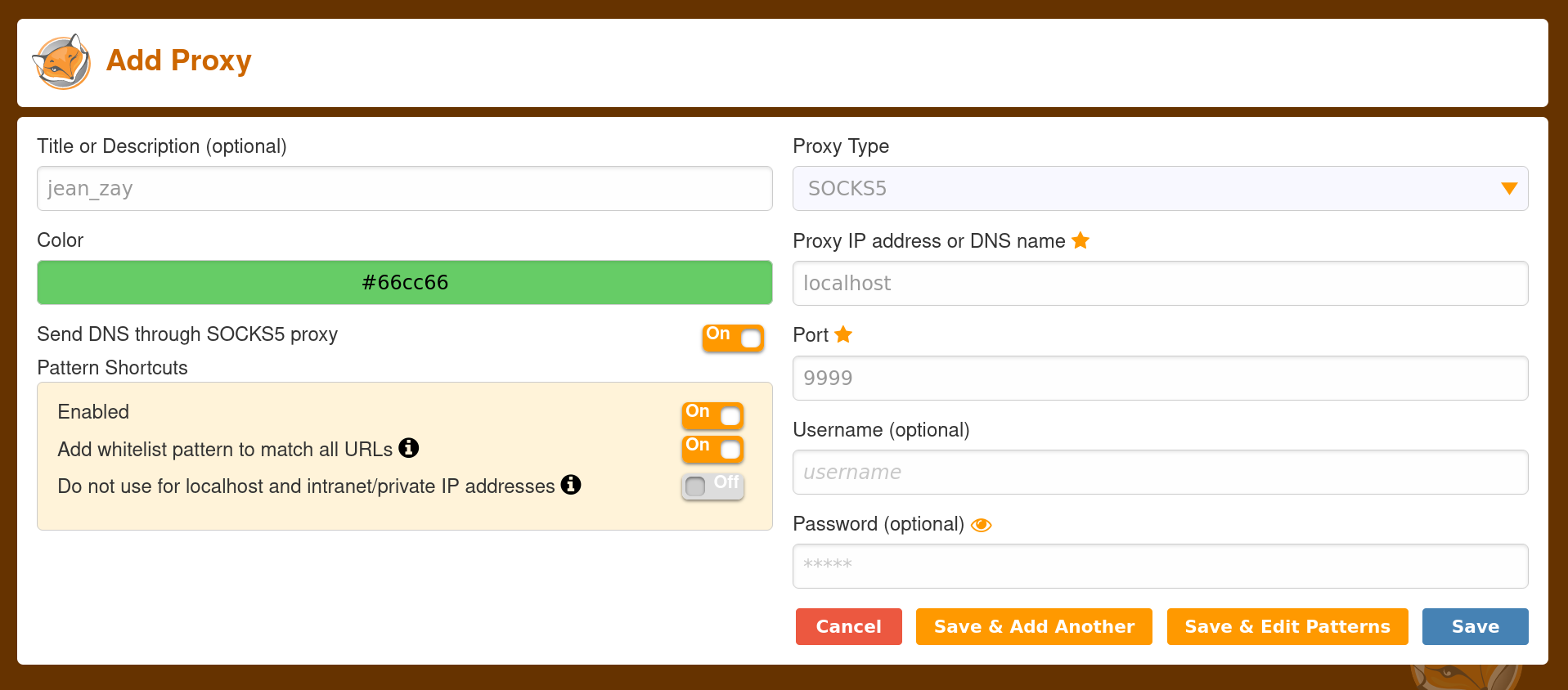
-
In the web browser where you installed FoxyProxy, click on the FoxyProxy icon and choose
espri/ipslorjean zaydepending on where you want to connect.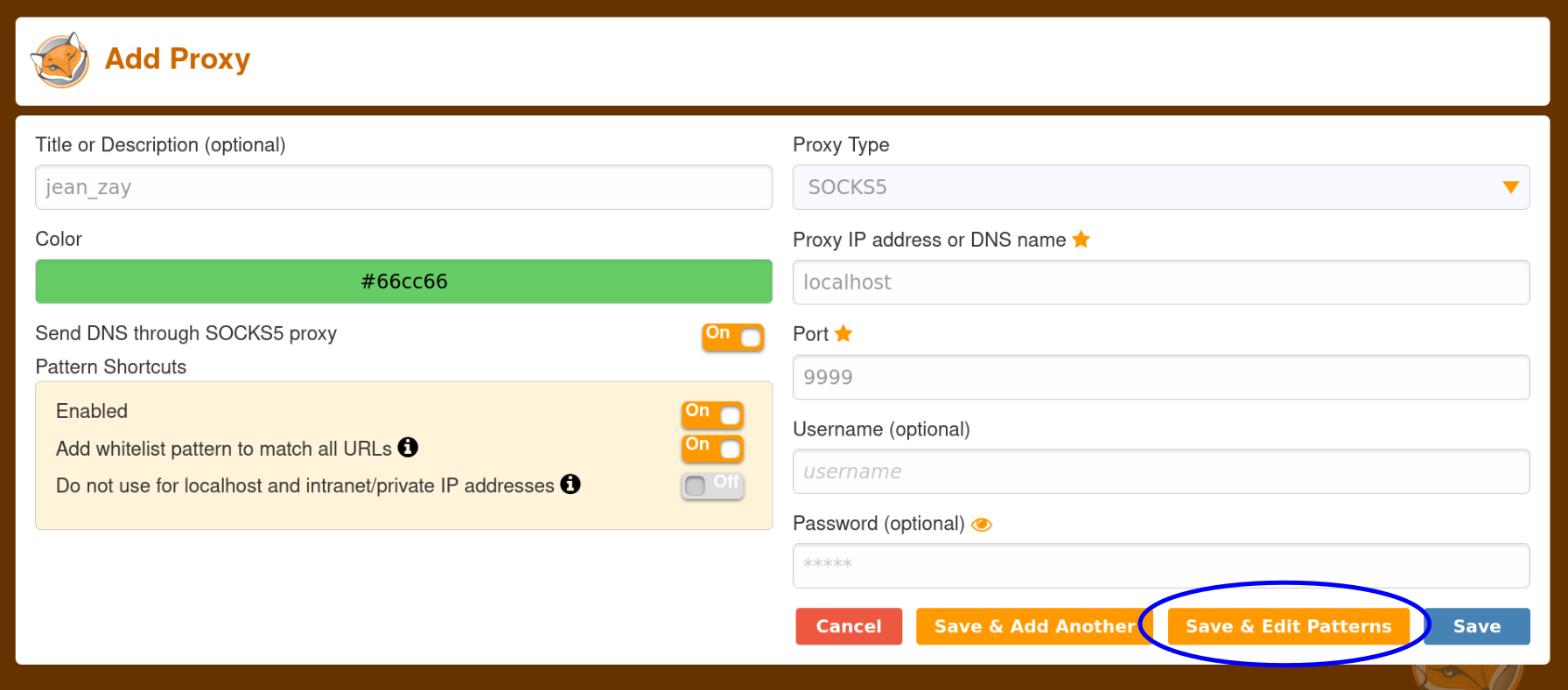
Info
When the FoxyProxy browser extension is set to
Use Enabled Proxies By Patterns and Orders, each configured proxy will be used for URLs that match their configured patterns (see more information here).Info
You can turn off FoxyProxy whenever you wish to by clicking on the FoxyProxy icon and choose
Disable.Info
SOmetimes even if the proxy is activated or deactivated, the foxy proxy icon can stay the same.